- For the equivalent move in the original timeline games, see Guard.
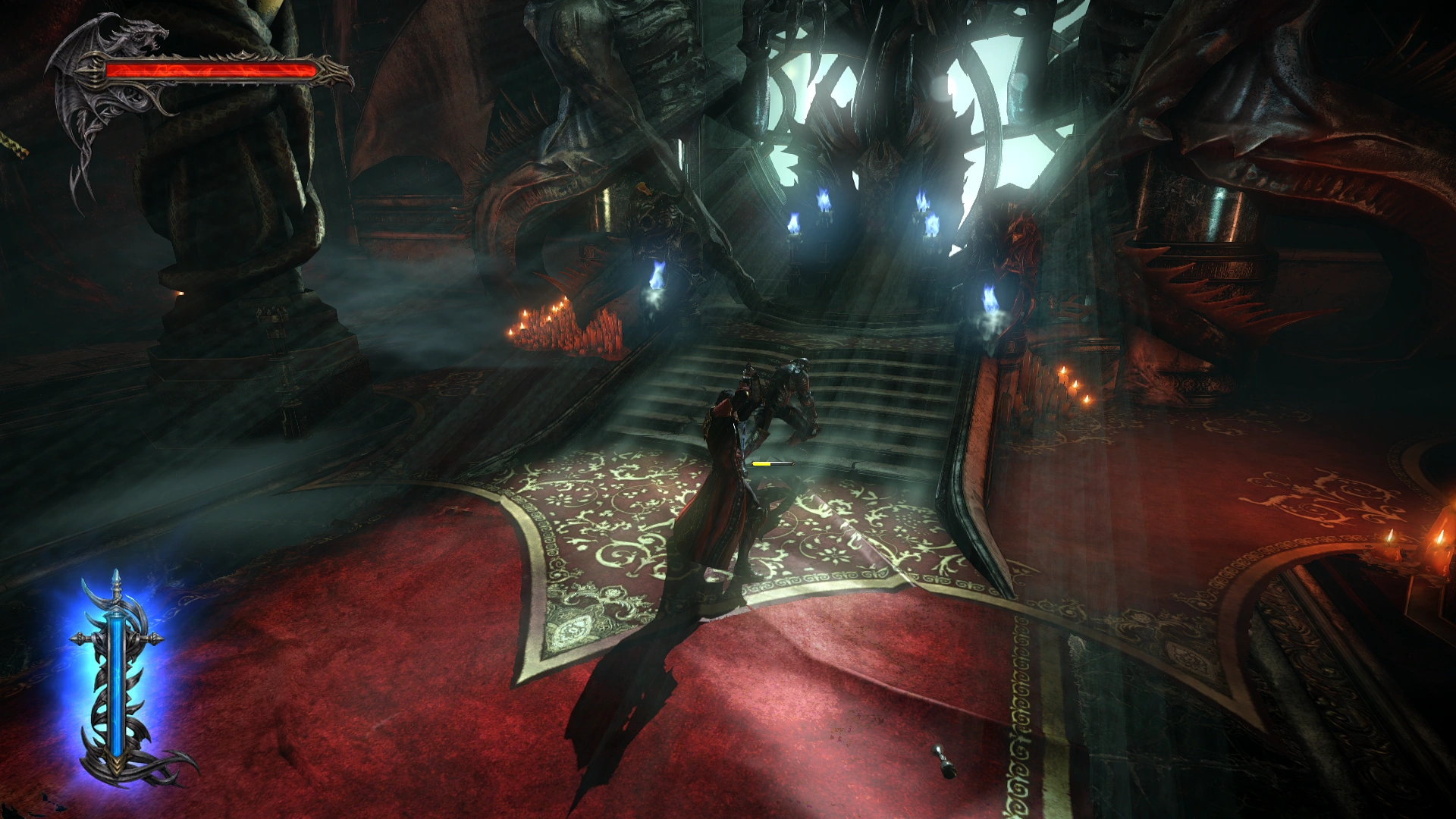
Blocking can protect against some enemy attacks in Lords of Shadow games. Unblockable attacks are given a visual cue.
Item Data
| Item Data: Block | ||||||||
|---|---|---|---|---|---|---|---|---|
| Image | Name - Game Type - Users Description |
Attributes / Consume | Statistics / Sell | Found | Notes | |||
| Press and hold the [Block] button to block enemy attacks. Unblockable attacks are indicated with a bright warning flash. | Find: Besieged Village |
Sequence: Hold [Block]; [Block] = L2 (PS3) or LB (Xbox 360) | ||||||
| Use block to thwart enemy attacks. Be careful, as more powerful attacks can break your block and certain other attacks indicated with a white effect are unblockable. | Conditions: None |
Sequence: Hold [L] (also in air) | ||||||
| Press and hold [Block] to block enemy attacks. Unblockable attacks are indicated with a red warning flash. | First Obtained: Castle Siege |
Sequence: [Block] (L2 on PS3) (ground or air) | ||||||
Gallery
Screenshots
.png "Block(1).png (3.04 MB)")
Block from Lords of Shadow 2.
Animations

Gabriel Belmont's Block from Lords of Shadow.

Dracula's Block from Lords of Shadow 2.

Alucard's Block from Lords of Shadow 2.